
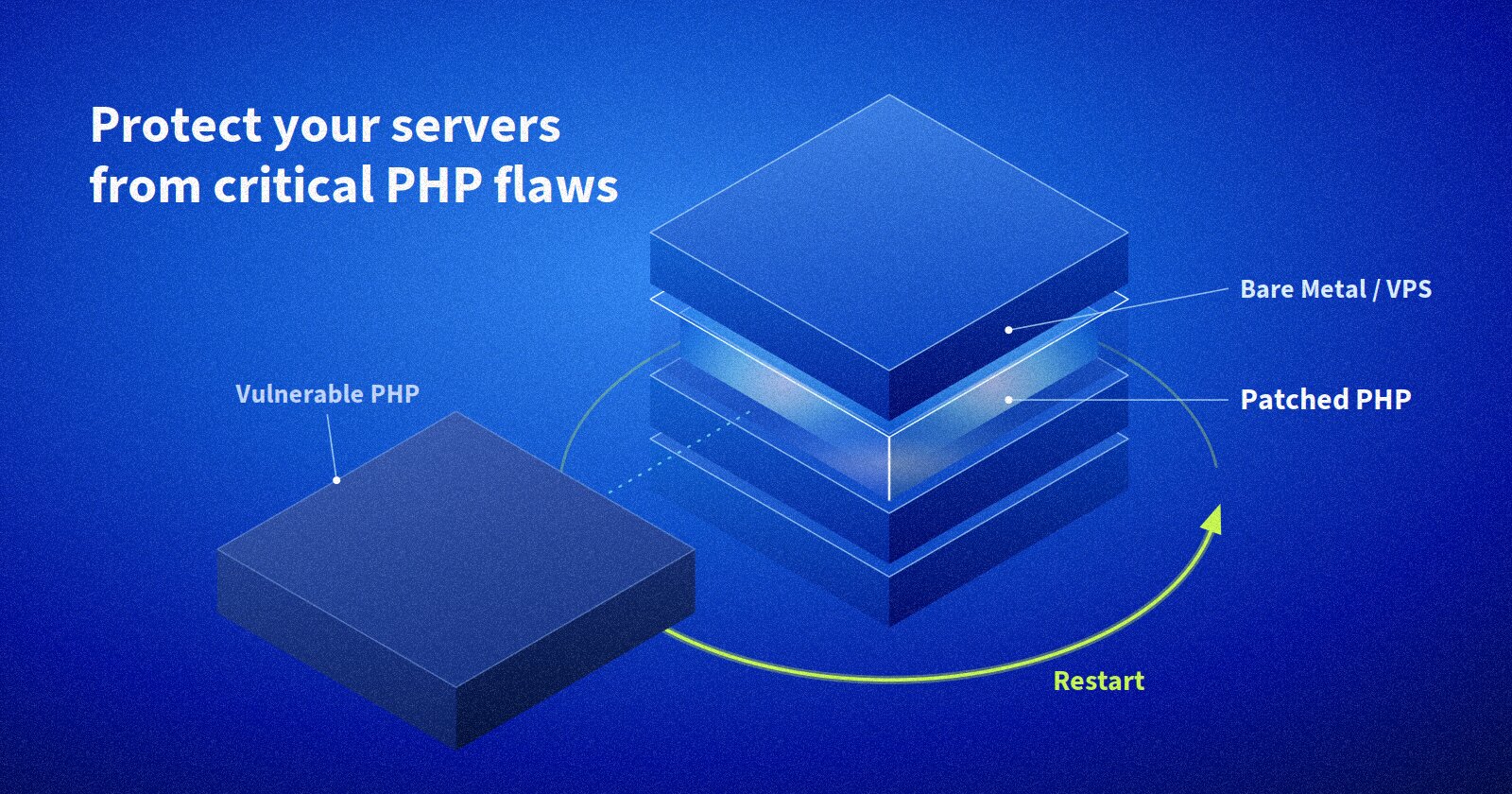
In October 2026, PHP released urgent fixes for two critical security flaws nicknamed "PHP2Shell": CVE-2026-109618 and CVE-2026-109619. If your website, school system, shop or app runs on PHP (and most of the web does), this one matters.
Security news can be full of hard words, so we'll explain it the simple way: as a conversation between a curious student and a patient teacher.
In short
- What: Two critical PHP flaws (CVSS 9.2) that can let a stranger run commands on your server, with no login needed
- Who: Almost every server that uses PHP to serve websites
- Fix: Update PHP to 8.2.35, 8.3.36, 8.4.27 or 8.5.12 (or newer), then restart PHP
Lesson 1: What is PHP2Shell?
Student: Teacher, everyone is talking about "PHP2Shell". What is it?
Teacher: It's the nickname for two serious bugs found in PHP itself. PHP is the language that runs millions of websites, including WordPress and Laravel sites. Normally a visitor can only view your website. These bugs could let a stranger send a specially crafted request and make your server run their commands. That is what "shell" means: control of the computer.
Student: Do they need a password first?
Teacher: No. That's what makes it so serious. The attack can happen before your website's own code even starts, so your login pages and security checks never get a chance to say no.
Lesson 2: The first bug (CVE-2026-109618)
Student: How does the first bug work?
Teacher: Imagine a teacher collecting exam papers into a box. Someone sends so many papers at once that the box overflows halfway through. The teacher stops, but one paper is left half-filed. Later, when tidying up, the teacher trusts that half-filed paper as if it were complete.
That's what happens here. When a visitor submits a form, PHP sorts the data into memory. An attacker sends a form designed to make PHP run out of memory in the middle of sorting. One entry is left half-built. When PHP cleans up at the end, it trusts that broken entry. Because the attacker controls what is in it, they can trick PHP into running a command.
Lesson 3: The second bug (CVE-2026-109619)
Student: And the second one?
Teacher: Think of a classroom shared by different classes. After each lesson, the board should be wiped clean. But if a lesson ends suddenly, the cleaner sometimes forgets. The next class walks in and finds old notes still on the board, pointing to things that are no longer there.
A PHP "worker" handles many visitors, one after another. This bug means that leftovers from one visit can stay behind and point to memory that has already been thrown away. Experts call this a use-after-free. An attacker can use those leftovers on the next request to leak information or take control. It involves a feature called session upload progress, which is switched on by default.
Lesson 4: Is my server at risk?
Student: Which servers are affected?
Teacher: Nearly all PHP servers that serve web pages. That includes PHP-FPM (the common setup with Nginx), Apache mod_php, php-cgi, FrankenPHP and LiteSpeed. Apache mod_php is considered the most at risk. The faulty code goes back many years, to PHP 5.4.
| Your PHP version | What to do |
|---|---|
| 8.5.x | Update to 8.5.12 or newer |
| 8.4.x | Update to 8.4.27 or newer |
| 8.3.x | Update to 8.3.36 or newer |
| 8.2.x | Update to 8.2.35 or newer |
| 7.4, 8.0, 8.1 | No official release. Get a patched package from your Linux vendor, or upgrade to a supported version |
| 7.3 and older | No fix at all. Upgrade as soon as possible |
Student: Is anyone actually attacking with it?
Teacher: Yes, attackers are already trying. The US cybersecurity agency CISA added both bugs to its list of actively exploited vulnerabilities on 26 October 2026. Security teams have seen attack attempts since around 17 October. Researchers say the public attack code doesn't yet work reliably everywhere, but that can change quickly. Don't wait.
Lesson 5: How do I fix it?
Student: So what's my homework?
Teacher: Three steps.
Step 1: Check your PHP version
php -v
php-fpm8.2 -v   # check the version your website actually uses
Your website may use a different PHP from the one on the command line, so check the PHP-FPM or Apache version too. A simple phpinfo() page (deleted straight afterwards) also shows it.
Step 2: Update PHP
On Ubuntu or Debian, for example:
sudo apt update
sudo apt upgrade
Linux vendors sometimes fix the bug without changing the version number, so also check your vendor's security notice. If you use Docker, rebuild and redeploy your images.
Step 3: Restart PHP (very important!)
Student: Isn't updating enough?
Teacher: No, and this is the step many people forget. Running PHP workers keep the old, vulnerable code in memory until they restart. It's like printing a corrected textbook but leaving the old one open on every desk.
sudo systemctl restart php8.2-fpm   # use your version
sudo systemctl restart apache2      # if you use Apache mod_php
Lesson 6: What if I can't update today?
Teacher: These settings reduce the risk, but they are not a full fix. Only updating fixes it. Put them in php.ini or your PHP-FPM pool config (not in your app code), then restart PHP:
; Helps against CVE-2026-109619
session.upload_progress.enabled = 0

; PHP 8.5 only
fatal_error_backtraces = 0

; Helps against CVE-2026-109618, but ONLY if you also limit
; request sizes at Nginx/Apache and the server's memory
memory_limit = -1
Also:
- Limit how big an upload or form can be at your web server (for example,
client_max_body_sizein Nginx). - Use a web application firewall, such as Cloudflare's, as a temporary shield.
- If a site cannot be patched, consider taking it off the public internet until it can.
Lesson 7: How do I know if I was attacked?
Teacher: Look for these warning signs in your logs from 17 October onwards:
- Errors like "Allowed memory size ... exhausted" with "Unknown on line 0"
- PHP workers crashing (segmentation faults)
- Strange form uploads with hundreds of parts or very long field names
- The biggest red flag: PHP or your web server starting a shell or a download tool such as
curlorwgeton its own
If you find signs of attack, get expert help. Security teams also advise saving evidence (logs and memory) before restarting, because a restart wipes it.
Class summary
Student: So, in one sentence?
Teacher: Update PHP, restart PHP, then check your logs. It takes minutes, and it closes a door that lets strangers walk straight into your server.
Need help checking or patching your servers? The Emore Systems team is happy to help. Share this post with anyone who runs a PHP website.
Sources and further reading
Tagged under
Related Articles
Building Scalable Microservices with Laravel and Docker
Learn how to create scalable microservices architecture using Laravel and Docker container...

React vs Vue.js: Choosing the Right Framework in 2024
Comparative analysis of React and Vue.js for modern web applications.
Implementing CI/CD Pipelines with GitHub Actions
Step-by-step guide to setting up continuous integration and deployment with GitHub Actions...